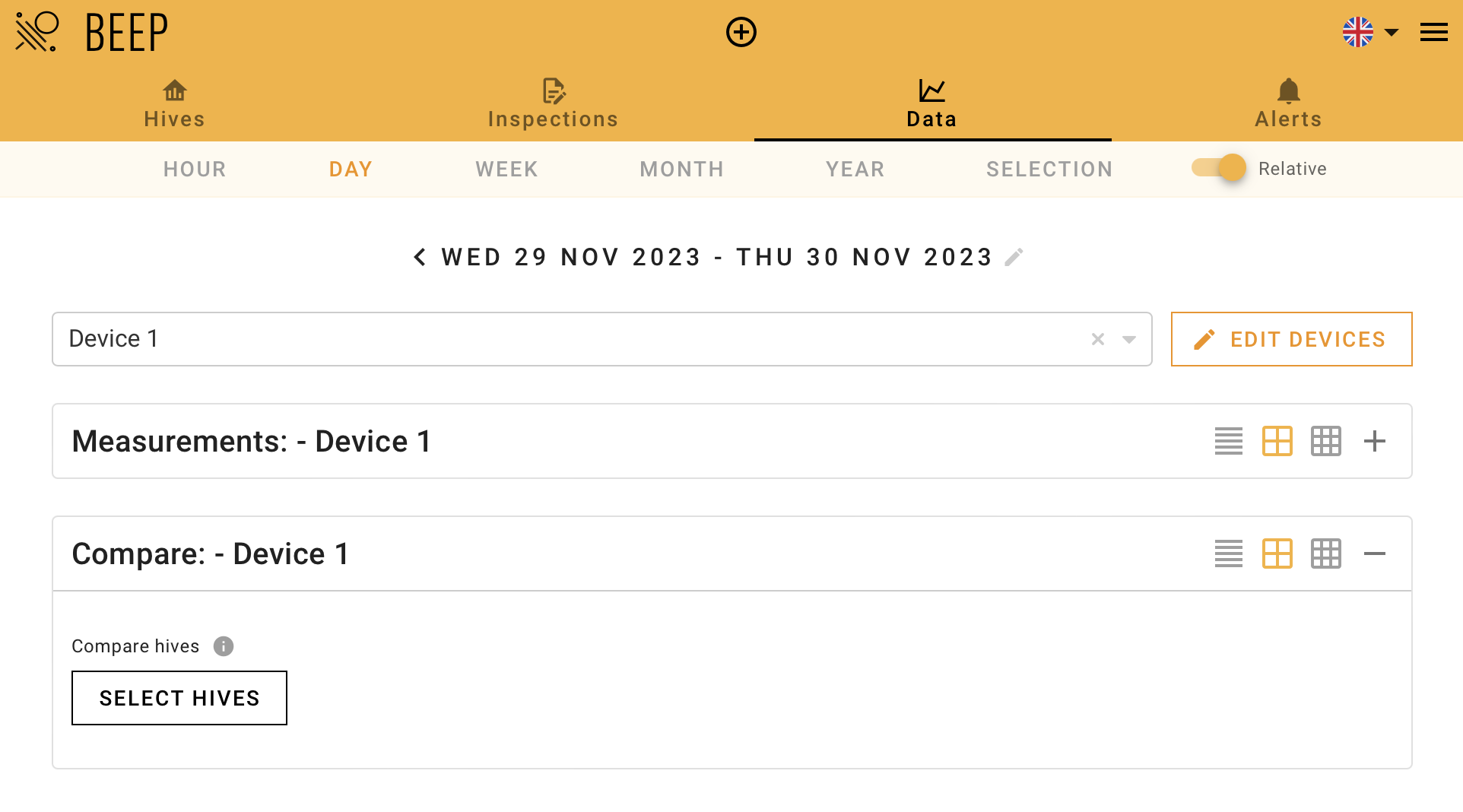
`hive comparison` need special rights for your account. This feature is available on request (info@beep.nl) until released more widely
Compare hives
To utilise the Compare Hives feature:
- Go to the Data page and select your hive of interest
- Below the hive's measurement section, you can select additional hives for comparison

You can choose hives from the same apiary, different apiaries, or collaboration groups.
Chart Explanations
After selecting the hives for comparison, two charts will be displayed:
First chart | Second chart |
Shows raw weight data of your colony and the average weight of all selected hives | Shows net weight data of your hive of interest and the average net weight of all selected hives. Note: the charts display the trend line and start at 0 kilograms. |
You also have the option to view the standard deviation of the mean.
Below the charts, you can compare the overall weight gain or loss for the selected period.
Data Display Options
On the Data page, you can choose different time duration display options for viewing your hive's measurements. The comparison graphs will reflect the same time intervals as the measurement graphs on the Data page. For example, if you view measurements over a one-year period, the graphs will display data points at a daily interval. Different time frames will show data points at various intervals, as detailed in the table below. Data points immediately before and after an inspection are shown at a 15-minute interval.
Time frame | Graph interval setting |
1 year | 1 day |
1 month | 3 hours |
1 week | 1 hour |
1 day | 10 minutes |
1 hour | 1 minute |
Setting alerts for net weight
It is possible to set an alert based on the net weight of your hive. Follow these instructions:
1. Go to the Alerts page and create a new alert rule.
2. Next to Measurement, check the "Show all" mark to see all options in the dropdown menu.
3. Select "Net weight (net_weight_kg)" from the dropdown menu.
4. Fill in the other variable settings.
5. Save the new alert rule with the Save button in the top right corner.

For a detailed description of alert rule settings, refer to the support article on Alerts.